
WordPress Block Placement Guide for Publishers
Picture a sponsor campaign that’s done everything right. The creative looks great, the dates are set, and the advertiser is a perfect fit for your readers. Then it lands way down the page where nobody scrolls, or it cuts into the article at the worst possible moment, or it makes the whole layout jump while it loads. All that work… and the ad just sits there. That’s why I think a WordPress block placement guide matters most when a good campaign has nowhere useful to show up.
The Block Editor gives you a lot more control than the old sitewide sidebar ever did. I like to use that control to build placements that respect the reader and give advertisers inventory they can actually understand. What I want is a placement system I can repeat across posts, pages, archives, and campaigns, without stuffing an ad into every open gap on the page.
Start With Reader Intent, Not Empty Space
Every block placement should have a job. A banner near the top of an article can introduce a sponsor while attention is still high. An in-content unit reaches readers who’ve shown some interest by sticking around past the intro. And a placement at the end of a post can catch people while they’re deciding what to do next.
Those are different jobs, so one ad size in one location rarely works everywhere. A recipe post, a 3,000-word tutorial, and a quick news update don’t create the same reading behavior at all. Before I add any blocks, I like to look at the most common content types on the site and figure out where readers slow down and scroll. Then I look for where they click over to a related article or just leave.
A sensible place to start is one placement after the introduction, another at a natural break in longer content, and an optional one at the end of the post. That gives you inventory without making the page feel like a chain of interruptions. If your audience is loyal and reads deeply, an in-content unit might beat a crowded header. If most of your traffic comes from search and skims quickly, an early placement might be worth more.
Choose the Right WordPress Block Placement
The editor gives you a few different ways to position ads. Which one I reach for depends on whether the placement is unique to one piece of content, consistent across a content type, or needed in a theme area like the header or sidebar.
Use an ad block inside individual posts
When the location depends on the article itself, I drop an ad block right into the post. That works really well after a specific paragraph, before a comparison table, or after a section where a sponsored product actually fits. It also makes editorial review simple, because writers and editors can see the unit in context.
Try not to put ads in the middle of a sentence, right before a heading, or between a heading and the paragraph that explains it. Those spots create a visual speed bump, and they can make the ad look like part of the editorial content (which is the last thing you want). Give the unit some breathing room with clear spacing above and below.
For long-form posts, place the block after a complete thought. After the second or third intro paragraph is usually a practical spot to test. Later placements should follow real sections of the article instead of landing on a fixed paragraph count that ignores how the post is actually structured.
Use synced patterns for repeatable editorial placements
If your team uses the same sponsor callout or ad format across a lot of posts, a synced pattern saves a bunch of manual work. You update the pattern once and the change shows up everywhere it’s used. I find that super handy for seasonal campaigns, newsletter promos, or a standard ad unit that needs consistent labeling and spacing.
There’s a trade-off, though. Synced patterns are efficient, but they can be too broad for a campaign that only applies to one category or one client. When editors need a starting layout they can tweak on their own, use a regular unsynced pattern instead. A shared system should save time without taking away the judgment that good placement needs.
Use templates and template parts for sitewide inventory
If you’re on a block theme, your header, footer, archive, and sidebar inventory belongs in your site editor templates or template parts. A template part is perfect for something that should show up consistently, like a leaderboard below the header or a rectangle above the footer.
I keep sitewide units separate from editorial units when I’m planning. A reader who sees an ad in the header shouldn’t run into three more before they reach the first useful paragraph. Template placements can get you broad exposure, but they also follow visitors everywhere they go. So test them carefully on search landing pages, category archives, and mobile screens.
Plan Ad Locations Before Building Them
A placement name should tell you where the unit shows up without opening the editor. “Homepage Top” and “Post After Intro” are useful names. “Ad Slot 4” is…not. Clear naming helps a lot when you’re scheduling campaigns, reviewing reports, or handing the site off to another editor or developer.
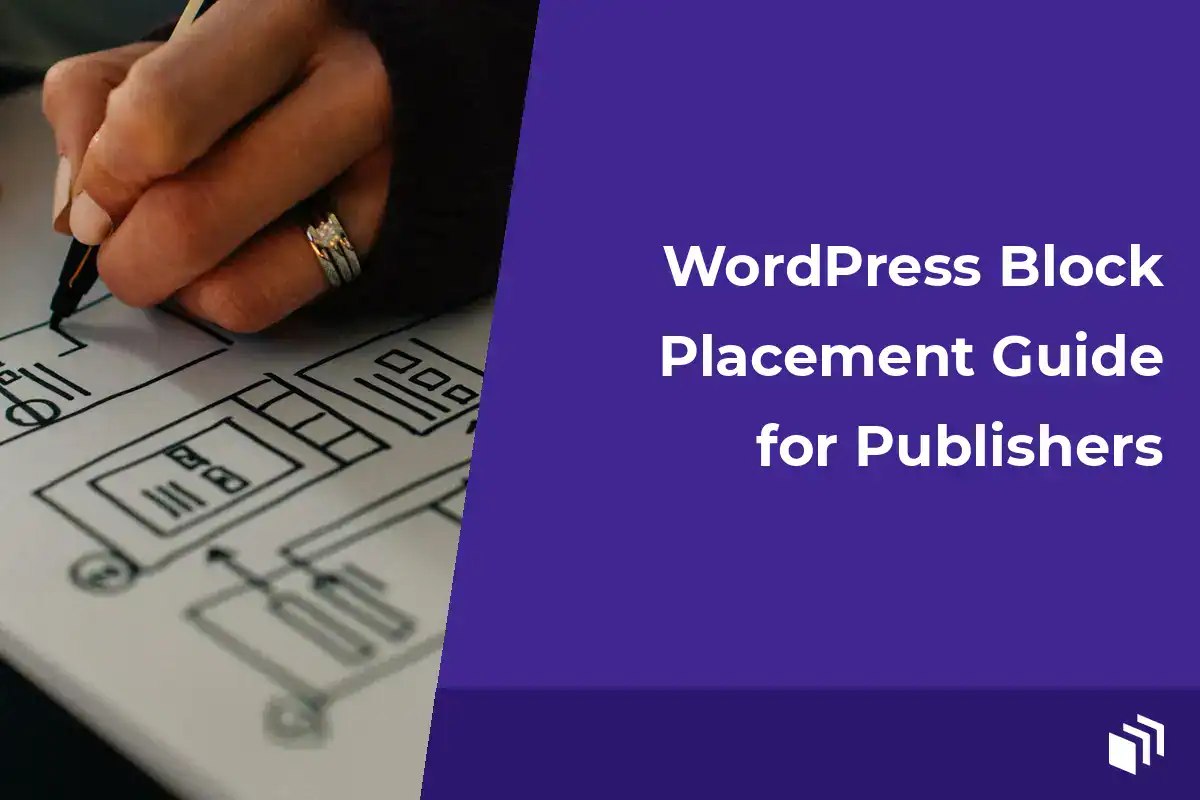
Before I build every block, I like to sketch out a simple placement map. For most publisher sites, it covers the homepage, the post archive, single posts, pages, and one or two high-value landing page templates. Then I note which placements are desktop-only and which can show on mobile. And I mark whether each unit is reserved for direct sales, affiliate promos, house ads, or a network.
A reliable map usually includes these distinct locations:
- A top-of-content placement for high-visibility sponsorships
- An in-content placement after the introduction on single posts
- A mid-content placement reserved for longer articles
- A sidebar or archive placement where the layout supports it
- An end-of-content placement near related posts or a newsletter signup
You don’t need all five on every page. Honestly, limiting the number of placements can make each one more valuable. Scarcity helps when you’re selling direct inventory, and a cleaner page can get better engagement for the ads you keep.
Protect Performance and Layout Stability
A well-placed ad that makes the page jump is still a bad experience for the reader. Ugh. Reserve space for common ad dimensions whenever you can, so the content doesn’t shift around after the creative loads. That’s especially important with third-party network code, where the final creative might show up after the rest of the page is already visible.
Be intentional about responsive creative. A 970 by 250 desktop placement might need a 320 by 100 or 300 by 250 alternative on smaller screens. Don’t assume a big creative will shrink down cleanly. I preview the block at a few breakpoints, then test a real published page on my phone. Editor previews are useful, but live ad scripts can behave a bit differently.
Keep an eye on how scripts stack up, too. Every ad network adds more work for the browser, and so does every analytics tag or tracking pixel. If you manage both local campaigns and network inventory, only use the integrations you actually need. With AdSanity, we keep locally hosted ads, scheduling, rotation, and placement reporting inside a WordPress-native workflow, which helps you avoid pasting campaign code into individual posts.
Keep Labels and Separation Clear
Readers should be able to tell an ad from your editorial content right away. Use a consistent “Advertisement” or “Sponsored” label (or something similar) that fits your editorial policy and whatever requirements apply to you. And keep that label close enough to the ad that there’s no confusion.
Visual separation matters just as much as the label. A subtle background, a border, or a bit of extra spacing can set a unit apart without making it louder than the article. I’d be careful with styles that copy your headings, buttons, or product cards. If readers mistake an ad for one of your own recommendations, trust drops fast.
This is also where content quality and revenue goals meet. An ad that competes with your main subscription form or an affiliate disclosure can water down both of them. On pages built around one focused conversion, fewer placements are usually the better call.
Test Placement Changes Like a Publisher
Don’t judge a placement by total impressions alone. A slot at the top of every post is naturally going to get more views than a mid-content slot. I compare click-through rate, viewability when it’s available, and revenue per thousand impressions. Then I look at what the placement does to my own engagement signals, like scroll depth, pages per session, or email signups.
Change one variable at a time. Move an in-content placement from after paragraph two to after the first major section, then give it enough traffic to get a useful comparison. If you change the location, the creative size, the label style, and the number of ads all at once, it’s really hard to tell what actually helped.
Break your review down by device and content type. Mobile readers might respond well to a compact unit after the intro, while desktop visitors might do better with a sidebar spot. Evergreen tutorials can support different inventory than short announcements. In the end, the right answer depends on how your audience uses the page.
Give Editors a Placement Standard
I think the best WordPress block placement system is one an editor can follow without guessing. Write down where ads are allowed and how much spacing goes around each unit. Note the maximum number per content type, along with the rules for sponsored campaigns. And include exceptions for sales pages, sensitive topics, and short posts.
That standard protects the reader experience as your site grows. It also makes campaigns easier to sell, because you can describe your inventory clearly, deliver it consistently, and report on locations that actually mean something. It’s a bit like seating guests at a dinner party… every spot should have a reason. So put the next block where it earns attention instead of wherever the editor happens to show an open gap.

Written by
Prêt à commencer ?
Time to take control of your ads.
Find your perfect plan and go for it.




Our Community
Join our mailing list to keep up to date on everything happening with AdSanity and Pixel Jar.
Note: Your email address will be added to our CRM and be used to receive emails from Pixel Jar. You can unsubscribe at any time.
Our Partners

Ready to Make Money With Your Site?
Get ads on your site in
60 minutes or less
with AdSanity.
With our 14-day money back guarantee, it’s easy to see if AdSanity is the right fit for you.

