
An Agency Advertising Workflow That Scales
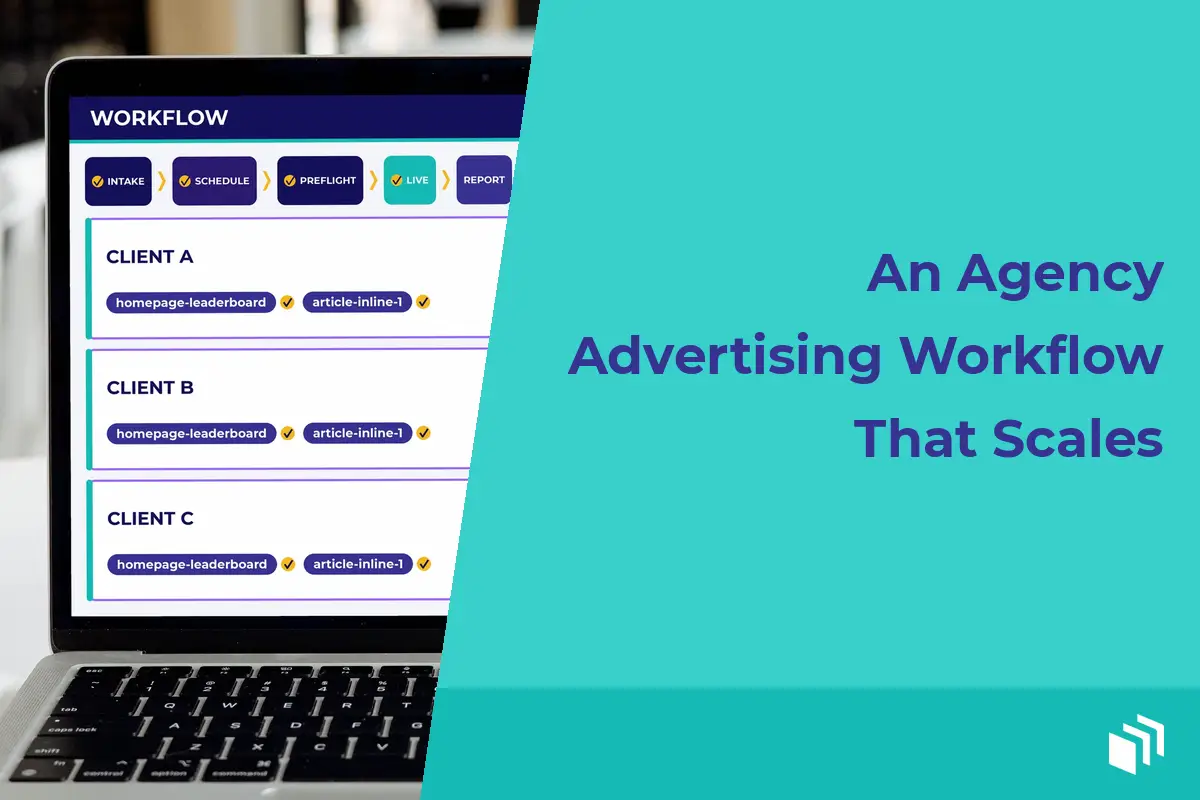
A missed campaign start date can turn a simple client request into a round of make-goods, apology emails, and rushed placement changes. I’ve been on the receiving end of that call more than once, and it’s never fun. A reliable agency advertising workflow keeps you out of that scramble. It gives your team one clear path from sold inventory to live ads, and it keeps the control WordPress publishers expect over their own sites.
I’m not trying to make ad operations feel like enterprise software here. I just want the work to be repeatable. You collect the right assets, confirm the placement, and schedule the campaign. Then you verify delivery and report what happened. When those steps live in a consistent process, an agency can manage more client sites without relying on memory, scattered spreadsheets, or last-minute code edits.
Why ad workflow breaks down at agencies
Agencies usually inherit an uneven setup. One client has ad code pasted into widgets. Another uses a page builder, a custom theme, and a network tag that nobody wants to touch (you know the one). A third sells sponsorships directly but has no dependable record of what ran, where it showed up, or how many impressions it got.
The ad itself is rarely the problem. The trouble lives in the handoff between sales, account management, content, development, and the client. If each person uses a different naming convention or approval process or reporting method, even a small campaign picks up risk it didn’t need.
So I think a strong workflow works like a shared operating system for those handoffs. Before an ad goes live, it should answer a few practical questions. What’s being promoted? Which site and placements are included? When does it run? Who approved the creative? And what result will the agency report at the end?
Build the agency advertising workflow around the campaign
Treat the campaign as the source of truth, not the individual banner file. A banner might get reused across placements or sites. The campaign is what ties that creative to dates, goals, inventory, reporting, and the client agreement.
Start with a complete intake
Don’t let a request like “please run this sidebar ad next week” slip into production without some structure. Capture the advertiser name and destination URL first. Then get the campaign dates, target sites, placement requirements, and creative dimensions. And note any click-tracking requirements plus the person who’s authorized to approve it.
For direct-sold ads, write down the promised delivery model. Is the deal a fixed placement for 30 days, a target number of impressions, or a share of rotation? Those are different commitments. A fixed sponsorship can run in a dedicated slot, but an impression-based campaign needs closer pacing checks.
This intake step protects site quality too. Make sure the landing page is a good fit for the publisher’s audience and the creative is current. Check that the file size won’t cause an avoidable performance hit. I’d give HTML5 units and third-party tags the same review as image ads (maybe more), especially when they bring their own scripts along.
Standardize inventory before selling it
A client can’t confidently sell something that’s vaguely described as “top banner space.” Give placements clear, durable names that match the theme or site layout, like `homepage-leaderboard`, `article-inline-1`, or `sidebar-medium-rectangle`.
Document where each placement appears and its standard dimensions. Note whether it’s desktop-only or responsive, and whether it can rotate multiple advertisers. That makes proposals more accurate and cuts down on the back-and-forth when a sponsor asks for a specific spot.
It also helps to separate premium, fixed placements from rotational inventory. A sponsor paying for exclusive visibility shouldn’t suddenly be sharing a slot with a network ad. On the flip side, a rotation can help a publisher fill unused inventory without constantly changing template code.
Use consistent naming inside WordPress
Names should still make sense six months from now, when a different team member is troubleshooting a report. A practical format is advertiser, campaign, placement, and date range. Something like `Northstar-FallSale-ArticleInline1-Oct2026`.
Honestly, the exact format matters less than sticking to it. Include enough detail to identify the campaign without opening every record. And keep internal campaign names separate from visitor-facing ad labels if your site shows sponsorship disclosures or accessibility text.
A WordPress-native tool like AdSanity can keep local ads and third-party network creative in one admin workflow. That takes away the temptation to paste code into posts, widgets, or theme files… which is exactly where future maintenance headaches tend to start.
Schedule first, then publish with a checklist
Scheduling is one of the biggest wins of an organized ad operation. Set start and end dates as part of campaign setup, rather than counting on someone to remember to turn an ad on or pull it later. For campaigns with a hard launch time, account for the client’s time zone and schedule a short pre-launch review.
Before publishing, I’d verify four things:
- The destination URL works and opens the intended page.
- The creative displays correctly at the required dimensions and on mobile layouts.
- The selected placement matches the signed agreement.
- Start and end dates, rotation settings, and any impression limits are correct.
This isn’t bureaucracy for its own sake. A two-minute preflight check is way cheaper than replacing a broken ad after the advertiser notices it first. Ugh.
For sensitive or high-value campaigns, use a staging site or a private preview page when you can. Third-party tags can behave differently than static creative, and custom theme areas might need a visual check before launch. It depends on the client’s setup, but premium placements and unfamiliar ad formats usually justify the extra step.
Keep placement flexible without making it fragile
Agencies need placement control because every WordPress site is different. One client uses widget areas. Another needs ads inserted after a specific paragraph, inside a template file, or through a block-based layout. Your workflow should handle those differences without spinning up a separate process for every site.
Define the inventory and campaign rules the same way everywhere, then use whatever placement method fits the theme. For developers, template tags, actions, filters, and CSS controls give you precise placement. For content teams, reusable ad groups or block-based placement keep routine publishing work simple.
There’s a trade-off here, and I think it’s worth being upfront about it. Highly customized placement can improve revenue and fit the site design, but it also adds maintenance responsibility when a theme changes. Document custom integrations and keep a record of which placements depend on theme code. That’s especially important when you’re managing a lot of client properties.
Monitor delivery before the campaign ends
Reporting shouldn’t be a task you save for the last day. Check active campaigns on a regular rhythm, and check more often for impression-based commitments or high-traffic launches. You’re looking for the obvious stuff. Zero impressions. Unexpectedly low clicks. A campaign that ended early, or one placement getting way more traffic than you expected.
Impressions and clicks are a useful starting point, but they don’t tell the whole story. A low click-through rate might come from a weak offer, an unappealing creative, or a poor placement. Or the audience might just be better suited to brand awareness than direct response. Don’t promise conclusions the data can’t support.
For direct sponsors, a short, clear report is usually worth more than a complicated dashboard. Show the campaign dates, placements, impressions, and clicks, plus any relevant notes like a creative swap or an approved extension. If the publisher tracks conversions on the advertiser side, that can add context. It shouldn’t replace delivery reporting from the site itself, though.
Create clear rules for changes and exceptions
Campaigns change. Advertisers send replacement creative, sales teams extend dates, and clients ask for an urgent homepage takeover. So the workflow needs a change path that’s fast without becoming invisible.
Require a written request and record who approved it. Then update the campaign itself instead of building a hidden workaround in a widget or a page builder. Note the effective date of the change, especially if it affects promised delivery. It’s a small habit, but it keeps reporting accurate and gives your team an audit trail when questions come up later.
For urgent requests, decide ahead of time who can approve changes outside normal business hours and which placements are protected from interruption. An agency that already has these rules doesn’t have to invent them under pressure.
Make the process repeatable across client sites
I don’t think the best agency workflow is a rigid one. A small blogger might only need a few placements and a monthly report. A publisher with multiple sponsorship packages might need defined inventory, frequent pacing checks, custom template placement, and a more formal approval trail.
What should stay consistent is the backbone. That’s structured intake and named inventory, campaign-level scheduling and preflight checks, active monitoring, documented changes, and useful reporting. Put those steps into a short internal playbook and review it after big campaigns. If the same mistake happens twice, fix the process instead of asking people to be more careful.
A well-run ad operation gives clients something worth more than a banner on a page. It gives them confidence that their inventory is handled carefully, their sites stay fast, and their advertisers get what was promised. Kind of like a duck, smooth on the surface and paddling like crazy underneath.

Written by
Pronto para começar?
Time to take control of your ads.
Find your perfect plan and go for it.



Our Community
Join our mailing list to keep up to date on everything happening with AdSanity and Pixel Jar.
Note: Your email address will be added to our CRM and be used to receive emails from Pixel Jar. You can unsubscribe at any time.
Our Partners

Ready to Make Money With Your Site?
Get ads on your site in
60 minutes or less
with AdSanity.
With our 14-day money back guarantee, it’s easy to see if AdSanity is the right fit for you.

