
6 Best WordPress Sponsor Management Tools
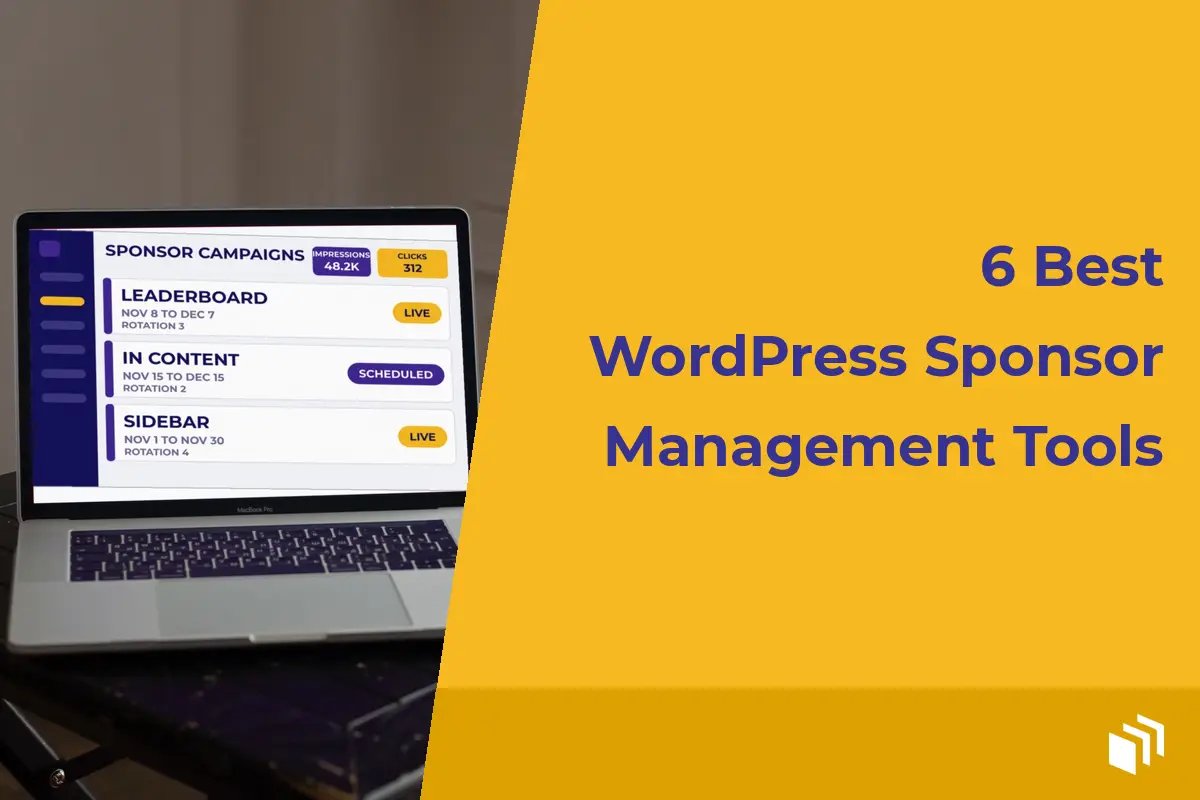
I got a message last month from a publisher who sold a homepage sponsor for the first of the month. The creative sat in a draft email. The placement went live two days late. So they offered a make-good, wrote an awkward note to a paying partner, and burned a morning they meant to spend publishing. That’s the kind of miss WordPress sponsor management tools are supposed to prevent. A good one gives you a practical way to organize creative, control placements, schedule campaigns, and show what actually ran.
The right choice depends on how you sell sponsorships. A solo blogger running a monthly sidebar placement needs a very different setup than an agency managing direct-sold campaigns across 20 client sites. I don’t spend much time comparing who has the longest feature list. I look for the tool that lets your team operate sponsorships without turning WordPress into a slow, complicated ad server.
What Sponsor Management Should Cover
Sponsor management has two sides. The commercial side includes proposals, contracts, invoices, renewals, and communication. The delivery side includes ad files or third-party tags, dates, placement rules, rotation, impressions, clicks, and proof of performance.
Most WordPress advertising plugins focus on delivery, which is usually where publishers feel the pain first. They replace scattered HTML snippets with an organized workflow inside the dashboard. A few can also support sponsor groups, campaign labels, and reporting that make renewals easier.
Don’t expect one plugin to replace accounting software or a sales CRM. For a lot of the publishers I talk to, the sensible setup is a simple sales process outside WordPress and one dependable ad management tool inside it. Keep the agreement and invoice where your business already handles them. Use WordPress to make sure the sponsor receives the placement they bought.
6 Best WordPress Sponsor Management Tools to Consider
1. AdSanity for direct-sold publisher campaigns
AdSanity is a strong fit for site owners who want to sell and run sponsor placements from WordPress without carrying the overhead of a standalone ad server. You can create self-hosted ads or use third-party network creative, set start and end dates, group ads for rotation, and place them across the site with WordPress-native controls.
That makes it especially useful for recurring sponsor slots like a homepage banner, a newsletter landing page promotion, a podcast sponsor graphic, or a category-specific campaign. Native impression and click tracking gives you a straightforward record of delivery when it’s time to report back to a sponsor.
Its lightweight approach matters. A content site earns trust through fast pages, readable layouts, and reliable publishing. Adding a sponsorship workflow shouldn’t force you to load a heavyweight platform built for an enterprise ad operations department. Developers also have room to customize output through template tags, actions, filters, and CSS when a standard placement isn’t enough.
2. Advanced Ads for rule-heavy placements
Advanced Ads is worth considering when your sponsorship inventory relies on detailed display conditions. It can handle placements and rotation, while its extensions can add scheduling, tracking, visitor conditions, and other targeting options.
The trade-off is configuration. More rules can be useful when a sponsor needs visibility on a particular category, device type, or group of pages. They can also make it harder for a small team to answer a basic question: where is this ad currently running? Establish a naming convention for sponsors and campaigns before you pile on a lot of conditions.
This option makes sense for publishers with varied inventory and someone on the team who is comfortable maintaining plugin settings. Check which features are included in the version you plan to use, since advanced capabilities may require paid extensions.
3. AdRotate for banner rotation and scheduled inventory
AdRotate is built around a familiar banner advertising model. It supports ads, groups, scheduling, and rotation, making it a practical candidate for sites that sell fixed banner inventory directly to local businesses or recurring sponsors.
For a straightforward ad program, this can be enough. Create each advertiser’s creative, place a group in the appropriate location, and schedule the campaign. The key consideration is reporting depth. If impression and click reporting is central to your sponsor promises, confirm that the edition you choose provides the data and retention you need.
It is a better match for standard display campaigns than for highly customized sponsorship packages. If a package includes a sponsored post, email placement, social promotion, and a display unit, you’ll still want a separate checklist or project system to manage the full commitment.
4. Ad Inserter for precise placement control
Ad Inserter is primarily a placement tool. It is helpful when the hardest part of fulfilling a sponsor agreement is placing an approved code block exactly where it belongs, such as after the second paragraph, before post content, or only on a specific post type.
That precision can be valuable for sponsored content programs and affiliate promotions. It also works well when the sponsor provides a third-party script and you need to apply clear insertion rules without editing theme files.
It is not a full sponsor management system, though. It won’t give you the same campaign organization, creative management, or built-in reporting depth as an advertising-focused plugin. Use it when placement logic is the priority, or alongside a separate process for tracking who bought what and when it expires.
5. WP QUADS for ad-network-focused publishers
WP QUADS is aimed largely at ad placement and ad network integration. Publishers using network ads alongside a smaller number of direct sponsor placements may find it useful for controlling common ad locations and maintaining consistency across content.
It is most appropriate when direct sponsorships are an add-on to an established network monetization strategy. If sponsor reporting, rotation, and scheduled direct campaigns are your main revenue operation, evaluate whether its workflow gives you enough control before committing.
This is an example of why feature checklists can mislead. A plugin can insert an ad successfully and still leave you doing the real sponsor administration in spreadsheets. For some sites, that is perfectly fine. For a growing direct-sales program, it becomes busywork quickly.
6. Google Ad Manager for larger, complex operations
Google Ad Manager is not a WordPress plugin, but it belongs in the conversation for publishers operating a larger direct-sales program. It can manage complex line items, delivery rules, reporting requirements, and multiple sources of demand.
The cost is operational complexity. Someone has to configure it correctly, maintain the setup, and connect its tags to WordPress. It can be the right move for a publisher with substantial volume, a dedicated ad operations resource, or complicated guaranteed campaigns. It is rarely the easiest first answer for a content business selling a few sponsorship packages each month.
If your team is spending more time reconciling delivery than selling sponsorships, an external ad server may be justified. Otherwise, a WordPress-native tool will usually keep the workflow clearer and faster.
How to Choose the Right Tool for Your Sponsor Workflow
Start with the inventory you actually sell. A site selling one sidebar sponsor and one newsletter sponsor per month needs reliable scheduling and an easy way to replace creative. A publication selling homepage takeovers, category sponsorships, and rotating in-content units needs flexible placement and campaign organization. Agencies should also consider license terms, multisite needs, and whether the workflow is simple enough to repeat for every client.
Next, decide what proof sponsors expect. If you promise a set time period, confirm that date scheduling is easy to audit. If you sell a number of impressions or need performance reports for renewals, prioritize accurate tracking and reporting. Keep your definition of an impression consistent in proposals and reports so there is no confusion later.
Finally, protect your publishing workflow. Test a tool with your theme, caching setup, and page builder before moving active sponsor campaigns into it. Check how ads behave on mobile, whether placements are easy for editors to understand, and whether the plugin adds only the features you need. A sponsor tool should make ads easier to manage, not create another system your team avoids using.
Build the process around the promise you make to sponsors, then choose the tool that can deliver that promise consistently. When your campaign names, placement rules, dates, and reports are easy to verify, renewals become a much more natural conversation.

Written by
¿Listo para empezar?
Time to take control of your ads.
Find your perfect plan and go for it.



Our Community
Join our mailing list to keep up to date on everything happening with AdSanity and Pixel Jar.
Note: Your email address will be added to our CRM and be used to receive emails from Pixel Jar. You can unsubscribe at any time.
Our Partners

Ready to Make Money With Your Site?
Get ads on your site in
60 minutes or less
with AdSanity.
With our 14-day money back guarantee, it’s easy to see if AdSanity is the right fit for you.

