
How to Automatically Expire WordPress Ads
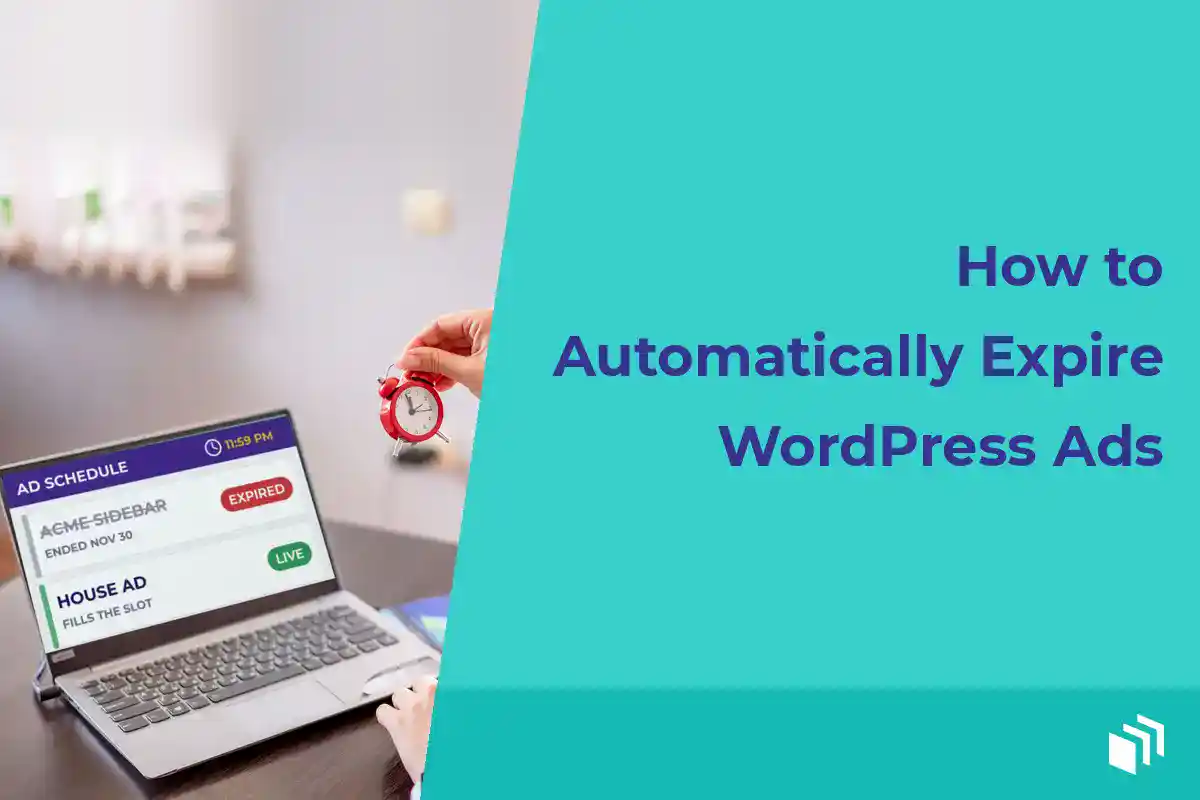
Picture this. A banner for last month’s sponsor is still sitting in your highest-traffic sidebar. The campaign ended, the invoice is closed, and nobody noticed until the sponsor emailed to ask why it’s still up. Ugh. I’ve been there, and it’s exactly the kind of cleanup you get to skip when you automatically expire WordPress ads.
I think ad expiration is a lot more than a convenience feature. It helps you honor campaign dates and keep promotions current. It keeps outdated pricing off your pages. And it protects your best ad inventory from ads that should have stopped running days ago. If you’re a busy publisher or agency, that means fewer manual checks and a lot more confidence that your placements are doing what they were sold to do.
Why WordPress ad expiration matters
Direct-sold advertising usually comes with a defined commitment. A sponsored placement runs for a week, a seasonal promotion ends on a certain date, or an affiliate creative is only valid while a particular offer is active. If the ad stays live after that date, you may be giving away inventory. If it disappears too early, you may owe the advertiser a make-good.
Removing ads by hand works fine when you manage one placement and one sponsor. It gets risky fast once your site has multiple ad groups, rotating units, newsletter promotions, and campaigns scheduled months out. Somebody has to remember the end date, log in at the right time, and find every placement. Then they have to remove the correct creative without disturbing the ads that are still active.
Scheduled expiration turns that fragile checklist into a rule. You set the campaign end date when you create the ad, and WordPress handles the transition. So your team can focus on selling, publishing, and reviewing results instead of babysitting a calendar.
How to automatically expire WordPress ads
The workflow is pretty simple. Create the ad, choose where it appears, and set its start and end times. Then confirm what should fill the placement once the ad expires. The details matter, though, because expiration affects both the individual creative and the ad group or placement where it shows up.
Start with the campaign agreement
Before you enter any dates, confirm what the advertiser actually bought. Is the campaign based on calendar time, a set number of impressions, or both? A homepage takeover sold from March 1 through March 31 should have a firm date range. A campaign sold for 50,000 impressions needs tracking and a different stopping condition.
For time-based campaigns, I like to write down the start date, end date, and timezone. Add the placement names, creative sizes, and any promised rotation share too. That makes it easier to set up the ad correctly (and a lot easier to answer questions later).
Be specific about the end time. “Ends March 31” can mean the ad stops at the start of March 31, or that it stays active through 11:59 p.m. Clarify that internally and with the sponsor. Most publishers mean the latter, but assumptions are how awkward conversations start.
Use WordPress-native scheduling
An ad management plugin with scheduling lets you give each ad unit a start and end date. In AdSanity, you can schedule self-hosted ads and third-party network creative alongside the rest of your inventory, so campaign timing stays part of your normal WordPress workflow.
Set the end date when you create the ad, not after the campaign has launched. Honestly, that’s the best protection against forgotten ads. If a sponsor renews, extend or duplicate the campaign on purpose. Don’t leave an old date open-ended because “we’ll come back to it later.” (You probably won’t.)
For a recurring sponsor, pick a clear naming convention. Include the advertiser, placement, campaign month, and dimensions, something like “Acme_Sidebar_300x250_April.” It sounds small, but clean naming helps site owners and agency teams find the right unit when they’re reviewing reports or swapping creative.
Decide what appears after expiration
An expired ad shouldn’t leave a confusing empty hole in your layout. In most cases, the placement should fall back to another eligible ad in the same group, a house ad, or no ad at all.
The right choice depends on the placement. A rotating sidebar group can keep serving active ads after one campaign ends. A premium sponsored slot might be better left empty, or filled with a house promotion until it sells again. For affiliate promotions, a fallback unit that points to your newsletter, product, or media kit is usually a better use of the space than a generic filler ad.
Test the fallback before the campaign ends. A placement that looks fine with several active ads can behave differently once the scheduled unit isn’t eligible anymore.
Avoid the timing issues that cause stale ads
Scheduling is only as reliable as the WordPress setup around it. A few technical checks head off most surprises.
Check your site timezone
Your WordPress timezone decides when a scheduled ad goes live or expires. Set it to the timezone your publishing and sales team actually works in, instead of sitting on a generic UTC setting without realizing it. This matters most for midnight launches, holiday promotions, and advertisers in a different region.
If you sell campaigns by US business days, write the timezone into your internal order process. Then your team has a shared answer when someone asks whether an ad is supposed to stop at midnight Eastern, Central, or Pacific time.
Account for page caching
Full-page caching can show an older version of a page for a while after an ad changes status. That doesn’t mean scheduling failed. It just means the cached page hasn’t refreshed yet.
Look at your caching configuration and cache lifetime before you sell precise, time-sensitive campaigns. Where you can, set up ad areas to work well with your cache strategy, or use a cache window that’s short enough for what the placement needs. A 24-hour cache is probably fine for evergreen display ads. It’s a poor fit for a one-day sale that has to end at a specific hour.
Keep scheduled tasks healthy
A lot of WordPress scheduling depends on WP-Cron, which only runs when people visit the site. So a low-traffic site may not fire scheduled events as promptly as a busy publication. If exact timing really matters, ask your host or developer to set up a real server cron job that triggers WordPress scheduled tasks consistently.
That’s not a reason to avoid scheduled ads. It’s just a useful thing to know. Most campaigns don’t need second-by-second precision, but flash sales and contractual homepage takeovers might justify tighter technical controls.
Build expiration into your ad operations
I think the best ad workflow has two layers. Automatic expiration handles the routine work, and a lightweight review catches the exceptions. Schedule each campaign during setup, then check upcoming end dates once a week. That review is a good chance to spot renewal opportunities, ask for replacement creative, and make sure your premium placements have a next step.
If you’re an agency, keep a simple campaign record outside WordPress. It should include the client approval, booked dates, rate, placement, and reporting expectations. WordPress handles delivery, and the record protects the business side of the agreement. Neither one needs to be complicated.
It also helps to review expired ads before you delete them. Historical campaign data can answer some really useful questions. Which sponsor renewed? Which placement got the most clicks? Did the seasonal creative beat the evergreen version? Pulling an ad out of active rotation isn’t the same as erasing the campaign’s value from your records.
When expiration dates are not enough
Date-based expiration is ideal for fixed-term sponsorships, product launches, and seasonal campaigns. It’s less complete for impression-based buys. If you promised a sponsor 100,000 impressions, ending the ad on a date alone could underdeliver… or keep serving after you’ve already hit the impression goal.
In those cases, use native ad tracking to watch delivery, and agree on the campaign’s controlling condition before launch. Some publishers use a date as a safety stop and manage the impression commitment through regular reporting. Others structure the deal around time only, which is simpler to run and easier to explain to sponsors.
The right approach depends on what you sell and how much your traffic swings from week to week. What matters is that your setup matches the promise.
A scheduled end date is a small setting with a big payoff. Make it a non-negotiable step every time you create an ad, test what happens after it expires, and let your WordPress site keep its inventory as current as the content your readers came to see.

Written by
Ready to get started?
Time to take control of your ads.
Find your perfect plan and go for it.
Popular Pro Add-Ons



Our Community
Join our mailing list to keep up to date on everything happening with AdSanity and Pixel Jar.
Note: Your email address will be added to our CRM and be used to receive emails from Pixel Jar. You can unsubscribe at any time.
Our Partners

Ready to Make Money With Your Site?
Get ads on your site in
60 minutes or less
with AdSanity.
With our 14-day money back guarantee, it’s easy to see if AdSanity is the right fit for you.

