
Best Practices for Ad Inventory That Pays Off
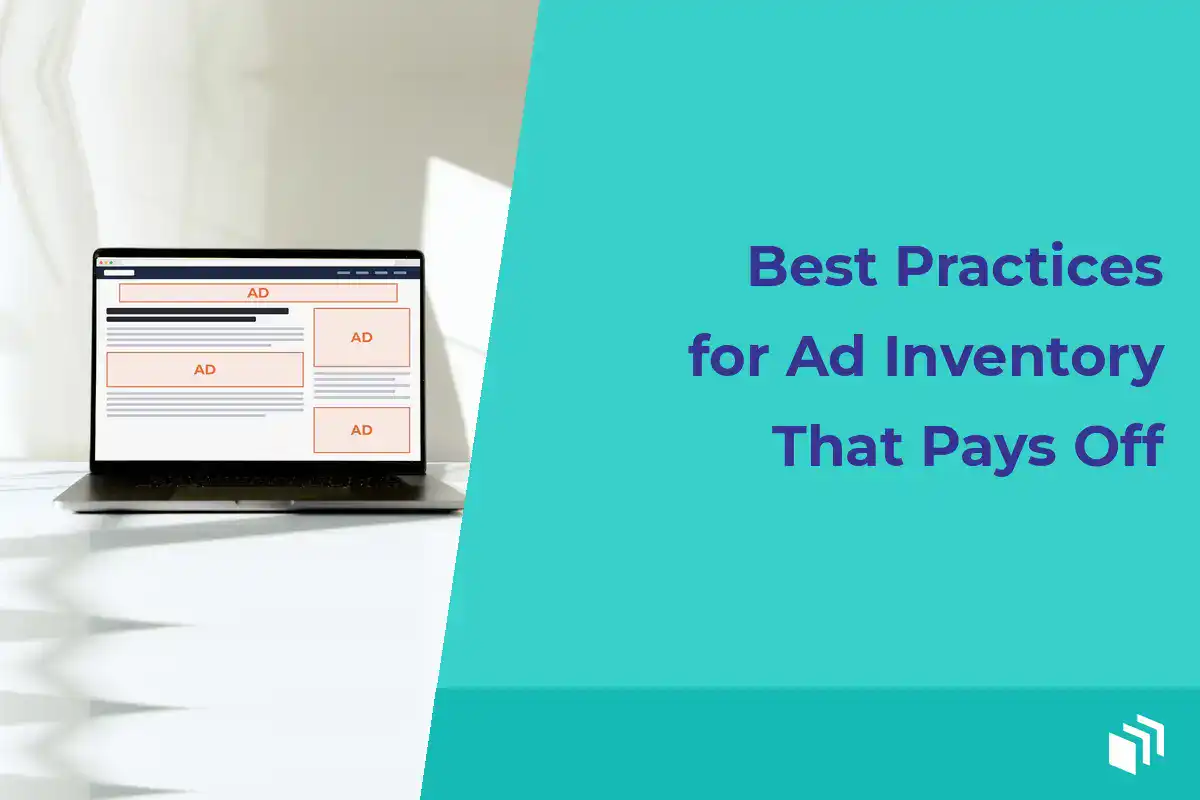
Picture an ad calendar that’s completely sold out. Every slot is booked, and it still isn’t earning what it should. I see this more than you’d think. The placements are fuzzy, the reports aren’t trustworthy, or the pages take forever to load. Ad inventory isn’t just empty space around an article… it’s a product. It has a location, an audience, a format, a price, and an outcome you can measure.
So for WordPress publishers, I think the best practices for ad inventory start with treating every placement as a deliberate part of the reader experience. That protects the content people actually came to read, and it gives advertisers a clear reason to buy.
Define what each placement is worth
I like to start by ditching generic labels like “sidebar banner” or “homepage ad.” Those tell you where an ad shows up, but they don’t say anything about why it’s valuable. A top-of-article spot on a high-traffic tutorial might catch readers who are actively researching a purchase. A sidebar unit might get seen more often across the site but pick up fewer clicks.
Write each placement down with its dimensions, the creative types it supports, and how it behaves on different devices. Then add the pages it appears on, estimated monthly impressions, and historical click-through rate when you have it. Note whether the unit runs sitewide, only in certain categories, or inside a specific sponsored series. It makes direct sales conversations go a lot faster, and it keeps you from accidentally promising something your site can’t deliver.
Pricing depends on your traffic, your audience, demand, and what the advertiser is trying to do. A fixed monthly sponsorship works well when an advertiser wants consistent visibility. CPM pricing makes more sense when you can reliably forecast impressions. And CPC deals might appeal to advertisers focused on traffic, though they push more of the performance risk onto you as the publisher.
There’s no single right pricing model. What matters is that you can explain what the advertiser is buying and report on it accurately.
Build inventory around readers, not empty pixels
More placements don’t automatically mean more revenue. Too many units make a page feel crowded. Viewability drops, clicks get spread thin, and readers start trusting the site a bit less (which is the thing that keeps them coming back). All those extra units can also add requests and scripts that slow WordPress down.
I’d start with a small, intentional set of placements. For a lot of content sites, that’s a leader or banner near the top of the page, an in-content unit placed after the reader is into the article, and one secondary spot in a sidebar, footer, or below the content. The right mix really depends on your theme, how long your content runs, how much mobile traffic you get, and what your audience expects.
Give premium placements a real job
Premium inventory should show up where readers will notice it without being interrupted. A prominent homepage placement can be a good fit for a brand-awareness campaign. An in-content unit is often more useful for a sponsor whose offer ties closely to the article’s topic. And newsletter sponsorships tend to be valuable because they reach an opted-in audience in a focused place.
Please don’t call every unit premium. Save that label for placements with clear visibility, limited availability, and a believable benefit for the advertiser. Scarcity only works when it’s real.
Design for mobile first
A desktop layout can hide some pretty rough mobile decisions. An ad that sits nicely next to a 1,500-word article on a big monitor might take over a narrow screen, push the content way down, or shift the layout around as it loads.
So check your placements on actual phones and common viewport sizes. Use responsive creative rules and reserve space for ad units when you can. Also avoid formats that cover navigation or make an overlay hard to dismiss. If a placement just can’t work cleanly on mobile, offer a mobile-specific size or leave it off mobile entirely rather than forcing it onto every screen.
Keep your inventory organized and available
Inventory loses value fast when nobody can tell what’s running, when it ends, or whether a spot has already been promised to someone else. I see this a lot when ads get added by hand through widgets, theme files, and copied code snippets.
Pick a naming convention that identifies the advertiser, campaign, placement, and flight dates, and stick with it. “Acme Spring 2026 – In Content – Apr 1 to Apr 30” is so much easier to manage than “New banner 3.” Then keep a simple inventory calendar showing booked campaigns, open dates, creative deadlines, and renewal opportunities.
Scheduling should be automatic whenever you can make it automatic. Set start and end dates ahead of time, then check the campaign before it goes live. That cuts down the chances of an expired offer hanging around on the site, or a paid placement disappearing early. A WordPress-native tool like AdSanity can help you rotate ads, schedule campaigns, and manage local and third-party creative without editing theme code for every little change.
If you’re an agency, try to use the same placement names and operating rules across client sites where it makes sense. The sites won’t have identical layouts, but consistent internal processes make reporting, support, and handoffs a lot easier.
Protect speed and technical quality
An advertiser might hand you a beautiful HTML5 creative that fires off a ton of requests, triggers browser warnings, or drags in a heavy third-party script. Publish it without a look and it can cost you more in reader frustration than it earns in sponsorship revenue.
Set your creative requirements before the campaign is sold. Spell out accepted dimensions, file types, maximum file weight, and animation behavior, plus destination URL requirements and the delivery deadline. If you allow third-party tags, test them on a staging site, or at least on one limited placement, before you launch them sitewide.
Keep an eye out for the usual suspects. Mixed content warnings. Redirect chains. Auto-playing audio. Oversized images, and tags that call a bunch of tracking vendors. The goal isn’t to make approval hard for advertisers. It’s to keep your site usable and avoid spending a Friday afternoon debugging someone else’s ad code. Ugh.
There’s also a trade-off between variety and performance to think about. Third-party network ads can fill unsold inventory efficiently, but you usually get less control over creative quality and page weight. Direct-sold ads generally give you better control and stronger margins, but they come with sales, scheduling, invoicing, and client communication. A lot of publishers use both, putting direct campaigns in their best placements and letting network demand fill whatever’s left.
Measure delivery, then measure value
Impressions and clicks are the baseline. They tell you whether an ad ran and whether readers interacted with it. They don’t always tell the whole story, though.
For every campaign, confirm that delivered impressions match the booked terms and that clicks are being recorded consistently. Then break results down by placement, device type, creative, and page type when your reporting supports it. A campaign that looks just ok across the whole site might do really well in one category and poorly everywhere else.
Send direct advertisers straightforward reports. Include the campaign dates, placement names, impressions, clicks, and click-through rate, along with any agreed-upon notes about featured content or targeting. If a campaign missed its impression goal because traffic changed unexpectedly, bring it up early and offer a reasonable make-good. I believe being upfront like that is way more likely to win a renewal than a polished report that dances around the problem.
And don’t optimize only for click-through rate. Some display campaigns are about building awareness, not driving clicks right away. A low CTR might be totally fine for a highly visible sponsorship if the advertiser cares about audience fit and repeat exposure. Just ask what success looks like before the campaign starts.
Refresh inventory with evidence
Review your inventory at least once a quarter. Look for units with weak engagement, poor viewability, technical issues, or advertisers who keep pushing back on them. Check whether your best-performing pages have the right sponsorship opportunities, and whether your best placements are priced too low.
Make changes on purpose. Test one real change at a time, like moving an in-content placement farther down the article or swapping a low-value sidebar unit for a larger responsive format. Give each test enough traffic to tell you something useful before you make it permanent.
I think the most valuable ad inventory feels useful rather than intrusive. It’s a bit like running a good shop… clear shelves, honest price tags, and nothing blocking the door. When your placements are well defined, fast, easy to manage, and honestly reported, advertisers feel confident in the buy and readers get a site worth coming back to.

Written by
Ready to get started?
Time to take control of your ads.
Find your perfect plan and go for it.
Popular Pro Add-Ons




Our Community
Join our mailing list to keep up to date on everything happening with AdSanity and Pixel Jar.
Note: Your email address will be added to our CRM and be used to receive emails from Pixel Jar. You can unsubscribe at any time.
Our Partners

Ready to Make Money With Your Site?
Get ads on your site in
60 minutes or less
with AdSanity.
With our 14-day money back guarantee, it’s easy to see if AdSanity is the right fit for you.

