
WordPress Plugin Versus Ad Server: Which Fits?
Picture a pretty normal week. A homepage sponsorship expires at midnight. A new campaign needs to start Monday. Your ad network hands you a fresh tag for the sidebar. None of that should require a developer, a spreadsheet full of snippets, or a separate platform that feels like it was built for a national media company.
That’s the real question behind WordPress plugin versus ad server. Both can deliver ads, schedule campaigns, and report results. The better fit depends on how you sell your inventory, who manages it, and whether your publishing operation actually needs enterprise infrastructure or just a practical workflow that lives inside WordPress.
For a lot of the independent publishers, content businesses, and agencies I talk to, the most features rarely wins. What they really want is to avoid features that create work without bringing in any more revenue.
WordPress Plugin Versus Ad Server: The Core Difference
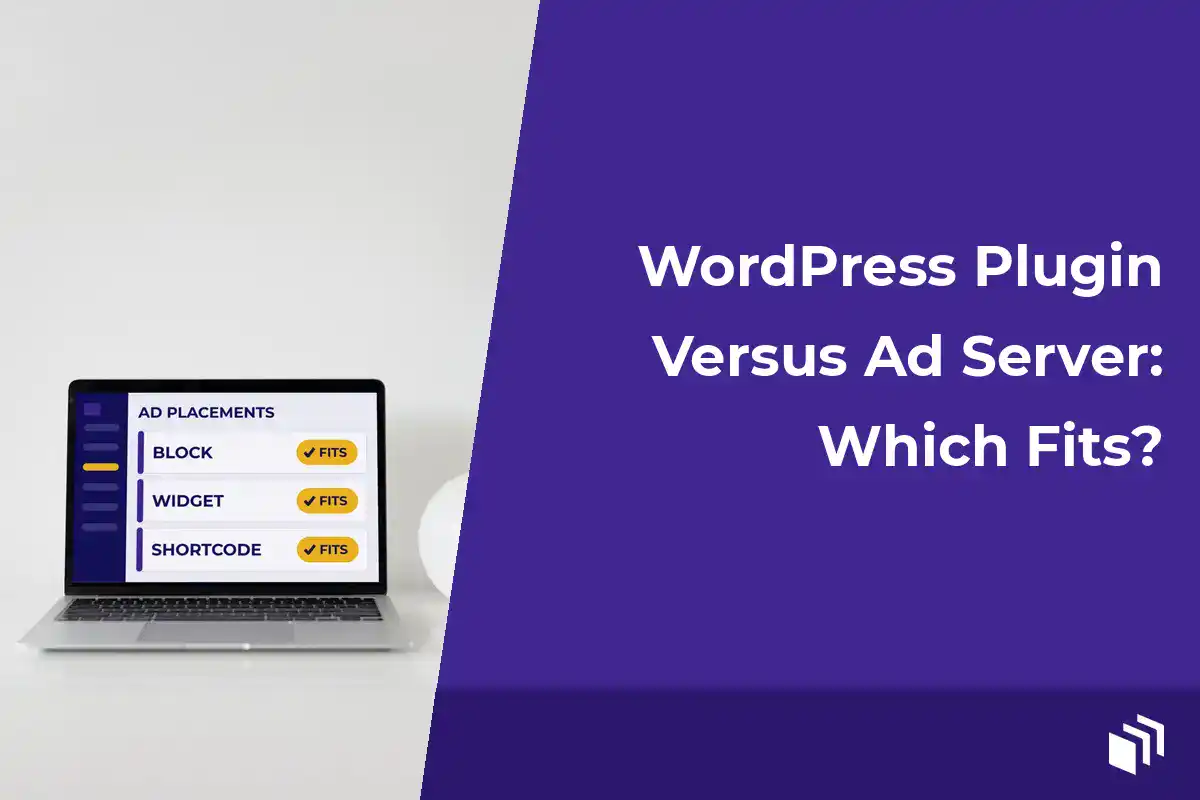
A WordPress advertising plugin runs inside the WordPress site you already use. You create or add an ad, decide when and where it shows up, then place it with a block, widget, shortcode, or template tag. The ads, the placement rules, and the reporting all live right next to your posts, pages, and site settings.
A standalone ad server is a dedicated advertising platform. It’s designed to manage ad inventory across one site or many, process delivery rules, and handle targeting. It often connects to programmatic demand, trafficking teams, and outside reporting systems too. Your WordPress site usually just receives ad code from that system instead of controlling the campaign directly.
Neither one is automatically better. A standalone ad server can be the right tool when your operations are genuinely complex. But a small publisher doesn’t need a control room to schedule a newsletter sponsor in the header and rotate three direct-sold ads in article content.
So here’s how I think about the difference. A WordPress plugin makes advertising part of your publishing workflow. An ad server makes WordPress one endpoint in a much bigger advertising operation.
Choose Based on Your Actual Ad Operations
Start with the work you do every week, not the feature list on somebody’s pricing page. If you sell a few sponsorships, run some affiliate creative, use one or two ad networks, and want to manage placements from WordPress, a plugin will usually make life easier. You update a campaign in the same place you publish content. No passing tags between systems, and no waiting on a trafficking process.
That convenience really matters once direct-sold inventory becomes a bigger part of your revenue. A sponsor might ask for a specific date range or a certain number of placements. Or they’ll want to swap the creative halfway through a promotion. With a WordPress-native tool, the person who owns that relationship can make the change themselves, so a routine request doesn’t turn into a technical ticket.
A dedicated ad server starts to make more sense when you’re managing a lot of volume and complexity. That might mean multiple properties with shared inventory, or many campaigns running at once with contractual delivery targets. It might mean advanced audience targeting, programmatic workflows, or a separate ad operations team. In those situations, centralized trafficking and detailed delivery controls can justify the extra cost and training.
I think the key is being honest about the phrase “future-proof.” Buying enterprise tooling for an operation you might have someday usually means paying for it in complexity today. Pick a system that supports the next real stage of your business… not an imaginary media network with twelve ad ops specialists.
Speed Is Part of the Revenue Decision
Your advertising tools affect a lot more than the dashboard. They affect page performance and the visitor experience. They also decide how much control you keep over what loads on the page.
An ad server can bring in multiple scripts, redirects, auction calls, and third-party dependencies. Some of that is necessary for programmatic advertising. Some of it is just the trade-off of a big platform designed to solve problems way beyond a single WordPress site. If your revenue depends heavily on real-time bidding or complex demand sources, those calls may be worth it. You still need to keep an eye on them.
For self-hosted ads and direct placements, a focused WordPress plugin is often lighter because the creative and the delivery logic stay close to the site. That doesn’t mean every plugin is fast by default, though. Oversized plugins, unoptimized images, piles of tracking scripts, and badly placed ads can slow down any site.
Look for a setup that lets you use only what you need. A lightweight core with optional capabilities is usually a lot easier to keep lean than a system that loads a full enterprise stack for every impression. That’s especially true for content sites, where Core Web Vitals, search visibility, and reader trust all shape your long-term revenue.
Reporting Should Answer Useful Questions
Publishers need to know whether an ad ran, how often it showed up, and whether anyone clicked it. For direct campaigns, simple impression and click tracking is often enough. It verifies delivery, gives you something to bring to renewal conversations, and lets you compare placements.
A WordPress plugin can give you that reporting in the same place you create the ads. I really like that short path from campaign setup to results, especially for bloggers and small teams. You can see which placement gets attention and spot creative that’s gone stale. And you can hand a sponsor a clear report without exporting data from a handful of different systems.
A standalone ad server may offer much deeper reporting, like detailed delivery pacing, segmentation, viewability integrations, and revenue analysis across properties. Those reports are valuable when someone has the time and expertise to act on them. But more reporting doesn’t automatically mean more clarity. If the data doesn’t change how you price, place, or renew ads, it’s just another dashboard to check.
Before you choose, write down the questions you need answered every month. For example… Did the sponsor get the visibility we agreed on? Which section of the site gets the most clicks? Which campaigns go live next week? Then pick the tool that answers those questions reliably, without making your team build a whole reporting process around it.
Placement Control Is Where WordPress Has an Advantage
Your site layout isn’t generic inventory. A sidebar unit, a mid-content placement, a category archive banner, and a sitewide footer spot all reach different audiences and carry different commercial value. WordPress gives you natural control over those contexts.
A capable ad management plugin should let you put ads in the spots that make sense for your theme and your editorial structure. Blocks and widgets help the nontechnical folks on your team. Shortcodes give you flexibility inside content. And template tags and CSS-level controls give developers a clean way to build custom placements into a theme or a client site.
That range matters a lot for agencies (I see this all the time with agency work). One client wants an ad after the second paragraph in long-form posts. Another needs seasonal creative limited to a custom post type. You shouldn’t have to dig through a pile of hard-coded ad snippets every time a campaign changes.
Third-party ad network code still has a place here too. A practical WordPress setup can manage network creative right alongside direct-sold ads, affiliate promotions, and house ads. You don’t need to replace every outside platform. You just want the placement layer to be manageable from one familiar place.
Consider Ownership, Cost, and Support
Standalone ad servers are usually priced for larger publishers. Costs can include platform fees, impression-based pricing, implementation work, training, and ongoing operational support. Those costs can make sense when the platform protects a big chunk of revenue or manages a high volume of campaigns.
For a site with a smaller inventory footprint, a license-based WordPress tool is often easier to budget for. You keep control of your site, your placement decisions, and your workflow. And you don’t end up making routine campaign changes through a vendor interface built around enterprise processes.
Support and documentation matter either way. In my experience, ad delivery problems love to show up at the worst possible time… usually right when a paid campaign is about to start. Look for clear compatibility information, dependable technical support, and tools that respect normal WordPress development practices. That’s why we built AdSanity around a lightweight WordPress core with optional add-ons, so publishers can add capability without loading features they don’t use.
Make the Choice Without Overbuilding
Choose a WordPress advertising plugin when your priority is managing direct ads, network tags, sponsorships, and promotions from the WordPress dashboard. It’s a really good fit for site owners who care about quick scheduling, flexible placements, practical tracking, and a fast site.
Choose a standalone ad server when your business needs sophisticated trafficking, multi-property inventory management, advanced targeting, programmatic integrations, or a dedicated team to run the platform. In that case, the extra overhead is just part of supporting a bigger advertising business.
I like a simple test. Imagine a sponsor asks for a new creative, two placements, and a campaign that starts tomorrow. If you can handle that request confidently from WordPress and report back with the results, your advertising stack is doing its job. Keep your system proportionate to the business you have today, then grow it when your operations give you a real reason to.

Written by
Ready to get started?
Time to take control of your ads.
Find your perfect plan and go for it.
Popular Pro Add-Ons



Our Community
Join our mailing list to keep up to date on everything happening with AdSanity and Pixel Jar.
Note: Your email address will be added to our CRM and be used to receive emails from Pixel Jar. You can unsubscribe at any time.
Our Partners

Ready to Make Money With Your Site?
Get ads on your site in
60 minutes or less
with AdSanity.
With our 14-day money back guarantee, it’s easy to see if AdSanity is the right fit for you.

