
Ad Server Versus Plugin: Which Fits WordPress?
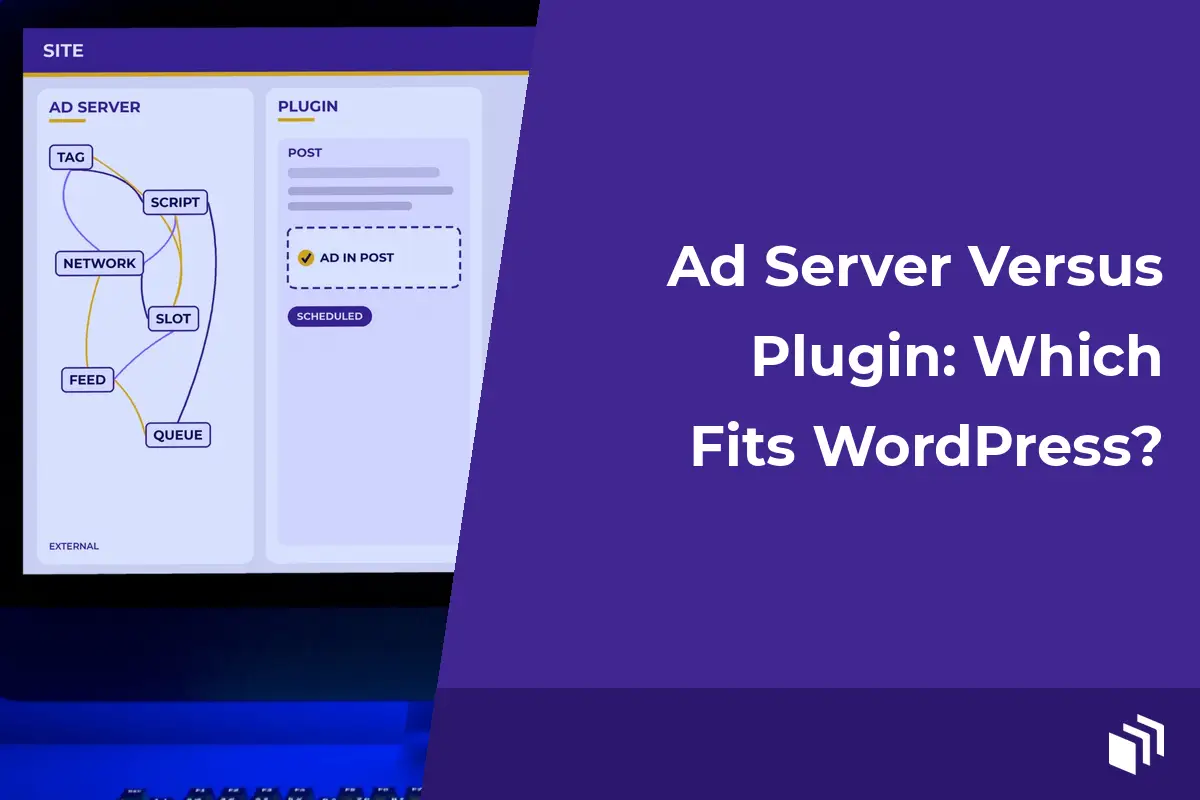
Say you’ve got a direct sponsorship starting Monday. The advertiser wants it in three spots on your site, it needs to end on its own when the campaign’s over, and they’d like a report they can actually read. That’s usually the moment the ad server versus plugin question stops being technical trivia. It turns into a real decision about how much work it takes to run your ad business.
For a lot of WordPress publishers I’ve worked with, the answer isn’t an enterprise platform with a steep setup process. It’s a WordPress-native tool that handles the ads they sell, the network code they run, and the placements readers actually see. But there are real cases where a standalone ad server earns its place. The right pick depends on your inventory, your team, your traffic, and how you like to operate.
What an ad server actually does
An ad server is a system built to store creative, decide what to deliver, track impressions and clicks, and report on how campaigns performed. Depending on the platform, it might also handle audience targeting and frequency caps. Some go further with programmatic demand, yield rules, trafficking workflows, and detailed permissions for big sales and ops teams.
Standalone ad servers usually live outside your WordPress install. Your site calls out to the platform to request an ad, and the platform decides what to show. That can be really useful when a bunch of websites, apps, formats, regions, and buyer requirements all need to work from one central source of truth.
The upside is depth. A major publisher with a dedicated ad operations team might need sophisticated targeting rules and high-volume reporting. They may also need integrations with demand partners and controls that go way beyond what a typical site owner deals with day to day.
The trade-off is weight. Somebody has to set up placements, manage tags, troubleshoot delivery, and train staff. Somebody also has to read the reports and keep the ad stack from dragging the site down. If you’re a content business selling a manageable number of direct campaigns, that’s a lot of machinery for a pretty simple job.
What an advertising plugin does differently
A WordPress advertising plugin manages ads from inside the dashboard your team already uses. So instead of pasting snippets into theme files or babysitting a separate trafficking platform, you create ads, organize them into groups, set schedules, and place them with WordPress-native controls.
A good plugin can serve self-hosted image, HTML5, and JavaScript ads right alongside third-party network creative. I think that matters a lot, because most publishers don’t work in a single channel. You might sell a homepage sponsorship directly, run an affiliate promo inside selected posts, and fill the rest of your inventory with a network tag.
The practical win is control without code clutter. A marketing manager can schedule a campaign while a developer still customizes placement with template tags, CSS, actions, and filters. The tool fits the website, instead of forcing the website into somebody else’s ad platform workflow.
That doesn’t mean every plugin is lightweight or equally flexible. Some pile on features you’ll never use. Some put strain on the database, or make simple placement way harder than it should be. I’d look for a tool with a focused core, useful reporting, and clear placement options. Bonus points for add-ons that let you expand only when a real need shows up.
Ad server versus plugin: the decision points
The choice gets a lot clearer when you compare the work your business actually needs done, instead of just lining up feature lists.
Inventory and campaign complexity
If you run one WordPress site with banner slots, a few sponsored content promos, and some ad network placements, a plugin is usually the more sensible fit. You can manage direct-sold ads, rotate campaigns, and set start and end dates. And the placement stays tied to the content templates you already control.
A standalone ad server starts making more sense when your inventory spans multiple domains, mobile apps, video, programmatic channels, and complex sales packages. Same goes for campaigns that depend on granular audience segments, strict frequency caps, or elaborate targeting logic run by a specialized team.
Just don’t confuse future ambition with what you need today. Buying for a hypothetical media network can leave a growing publisher paying in time, money, and performance long before all that complexity brings in any revenue.
Website performance
Ad tech can affect page speed, especially when several third-party scripts are fighting for attention. A standalone platform may add external calls and tag dependencies. That doesn’t automatically make it slow… it just means more pieces to keep an eye on.
A WordPress plugin needs to be built responsibly too. The nice part is that managing ads locally can cut down on scattering code by hand across posts, widgets, and theme files. You keep direct creative, schedules, and placement logic in one familiar place, and you pick your third-party tags on purpose.
If you care about Core Web Vitals and reader experience (and you should), local versus external is only part of the picture. Ask what scripts load, where they load, and how ads get inserted. Then ask whether you can keep unneeded functionality out of the stack. In my experience, a lean core with optional features is way easier to maintain than an all-purpose system.
Reporting that supports the sale
A direct advertiser rarely needs a spreadsheet with dozens of delivery dimensions. They want to know if the campaign ran, how many impressions it got, and whether readers clicked. Native tracking for impressions and clicks covers that conversation nicely.
Enterprise reporting starts to pay off when you have to reconcile delivery across lots of properties, buyers, devices, and demand sources. If your sales agreements call for intricate pacing or audience reporting, an ad server’s deeper reporting might justify the extra admin work.
Think about who’s reading the reports. If it’s you, a client contact, or a sponsor, simple and accurate reporting is usually better than a dashboard that needs its own training session.
Ownership and workflow
With a WordPress plugin, your ad operations live right next to your publishing workflow. Editorial teams can line up sponsorship dates with the content calendar. Developers can build placement rules into templates. And site owners can swap a creative or pause a campaign without logging into a separate platform.
A standalone ad server centralizes operations, which helps a large organization with clearly defined roles. It also separates ad trafficking from the website itself. That’s a real benefit when a lot of properties lean on the same ad ops team.
Neither model is better for everybody. What I’d ask is whether centralizing saves your team time or just adds another handoff. Small publishers usually do better with fewer handoffs. A multi-property publisher with dedicated operators might get more out of formal control.
When a WordPress plugin is the practical choice
I’d go with a plugin when you want to sell and manage ads on a WordPress site without turning ad ops into a full-time job. That covers bloggers adding affiliate promos and publishers selling newsletter and site sponsorships. It also covers agencies managing client placements and content teams running campaigns around launches or seasonal promos.
The best setup lets you create an ad once and put it where it belongs. That could be a sidebar, a post type, a category archive, or a custom theme location. It should support rotation so sponsors share inventory fairly. It should have scheduling so campaigns don’t overrun, and reporting so you can show what was delivered.
AdSanity is built for exactly this middle ground. It gives WordPress publishers native ad creation, placement, scheduling, rotation, and performance tracking, without asking them to run a clunky standalone ad stack. I really like the add-on approach here, because one site might need a simple workflow while another needs something more tailored.
When a standalone ad server is worth the overhead
A full ad server might be the right move when advertising is a big, multi-channel operation instead of one piece of a WordPress publishing business. I’d consider it when you’ve got high-volume inventory across several properties or a team dedicated to trafficking and optimization. Demanding agency buyers are another sign, and so are programmatic requirements that a WordPress-focused workflow just can’t reasonably cover.
Be honest about the total cost. Subscription fees are only part of it. You’ve also got implementation, tag management, staff training, troubleshooting, reporting processes, and the time it takes to keep integrations working. A powerful platform your team can’t run with confidence isn’t a revenue tool. It’s a bottleneck.
Start with the workflow you can run well
Nobody hands out a prize for running the most complicated advertising stack. The value is in serving the right creative, in the right spot, for the right dates, while your site stays fast and your reporting stays clear.
If your business grows into a complex, multi-property ad operation, you can revisit the infrastructure then. Until that happens, I’d pick the setup that lets you spend less time wrestling with ad code and more time building the audience and advertiser relationships that make your inventory worth buying.

Written by
Ready to get started?
Time to take control of your ads.
Find your perfect plan and go for it.
Popular Pro Add-Ons



Our Community
Join our mailing list to keep up to date on everything happening with AdSanity and Pixel Jar.
Note: Your email address will be added to our CRM and be used to receive emails from Pixel Jar. You can unsubscribe at any time.
Our Partners

Ready to Make Money With Your Site?
Get ads on your site in
60 minutes or less
with AdSanity.
With our 14-day money back guarantee, it’s easy to see if AdSanity is the right fit for you.

